Then select on of the two Account Types that you want to create:
In the top right corner simply click “Sign Up”
Then select one of the two Account Types that you want to create: Private (Free) or Business account.
Enter your registration details and the password
Click “Registration” button
Check the email account that you have used for registration and confirm registration by clicking the link in the email from. ( If there is no email from Runboats, please check SPAM folder)
If you decided to register an account by using one of you social media account, click the the relevant button, use you social media account
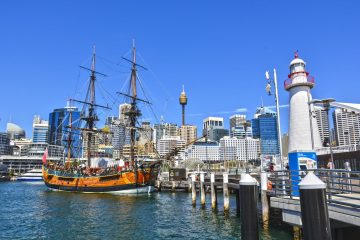
Australia’s vast and diverse waterways offer some of the world’s most spectacular boating holiday destinations, from the coral-fringed Whitsundays to the historic Murray River and the rugged Kimberley coast. Whether you’re seeking adventure, relaxation, or Read more…
Australia’s vibrant boating culture comes alive through its diverse array of boating events and festivals, offering unforgettable experiences for enthusiasts, families, and newcomers alike. From the world-renowned Sydney to Hobart Yacht Race to family-friendly festivals Read more…
Maintaining your boat is essential for ensuring safety, reliability, and longevity, whether you’re cruising the vibrant waters of the Great Barrier Reef, fishing in Lake Macquarie, or navigating the historic Murray River. Australia’s diverse boating Read more…